


ruby kinglet
The future of jewelry, end to end.
The complete AI workbench built by jewelers and jewelry software experts. Design, photoshoot, CAD, and store customizers, all integrated into your workflows. From demi-fine to high jewelry.
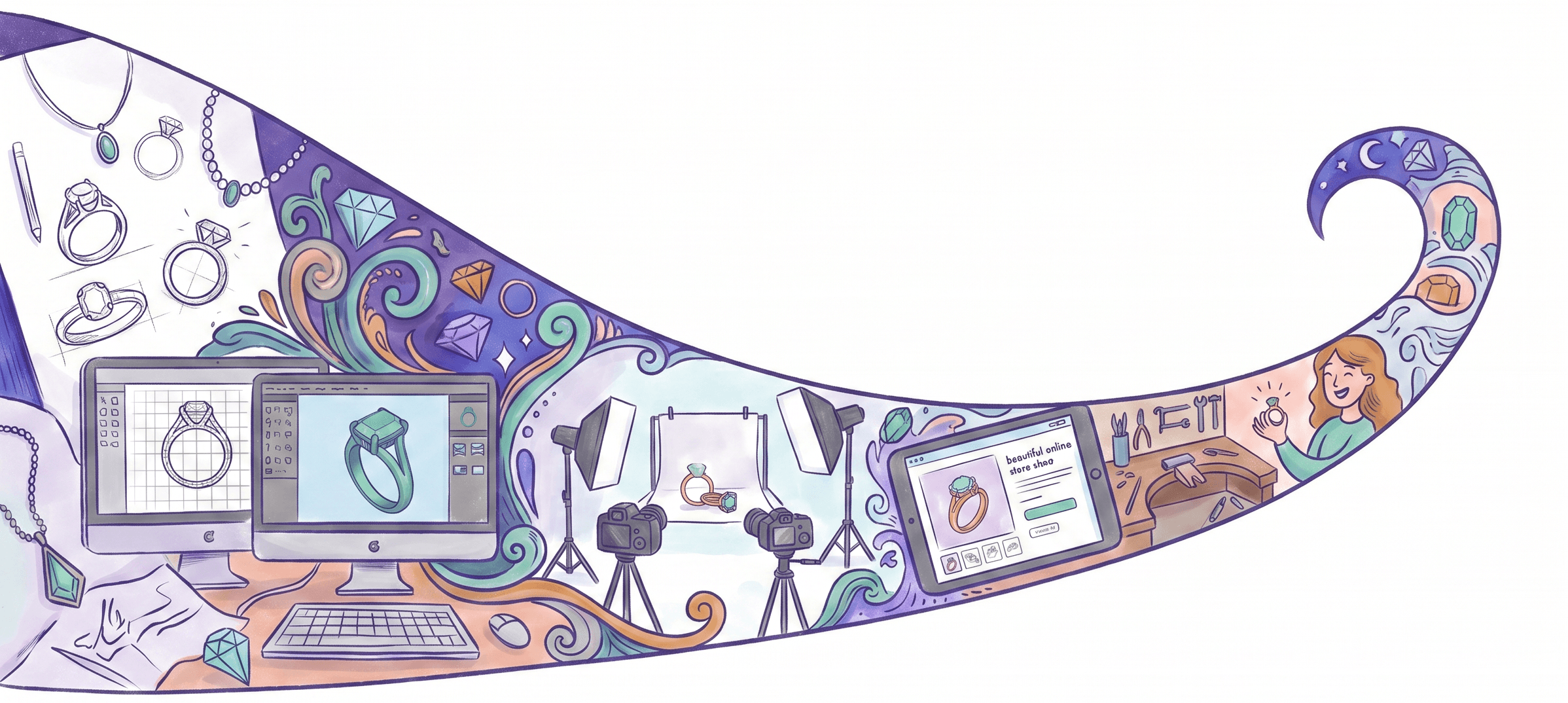
Design tools, jewelry-first.
Industry-leading component-based builders and editors, workflows with your own assets first, train AI models in your own style, 6,000+ community templates.
the bench.
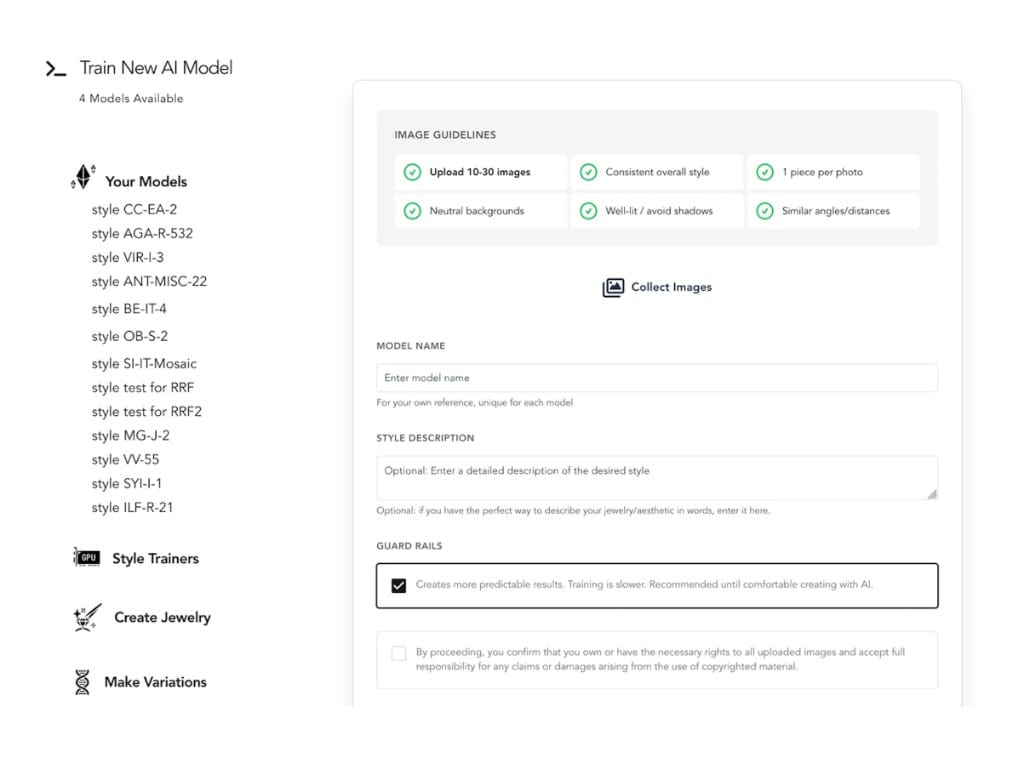
Train models
Your own exclusive AI models
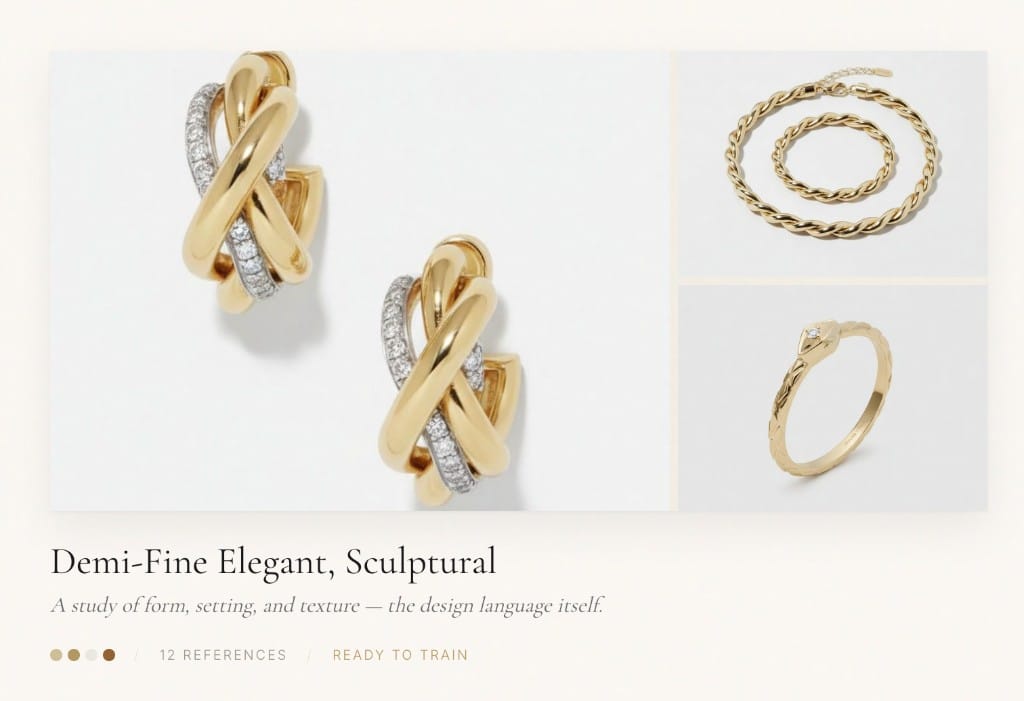
Mood boards
Capture a design language
feeds your model
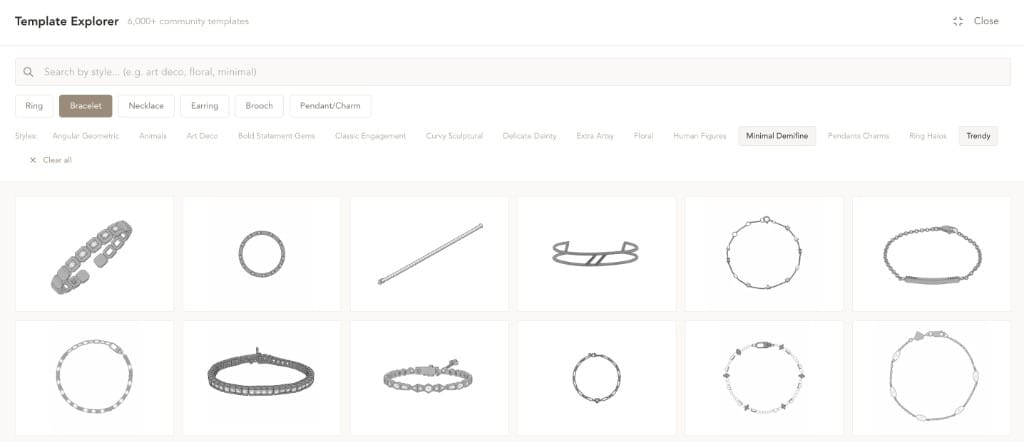
Templates
6,000+ community templates
for complex designs
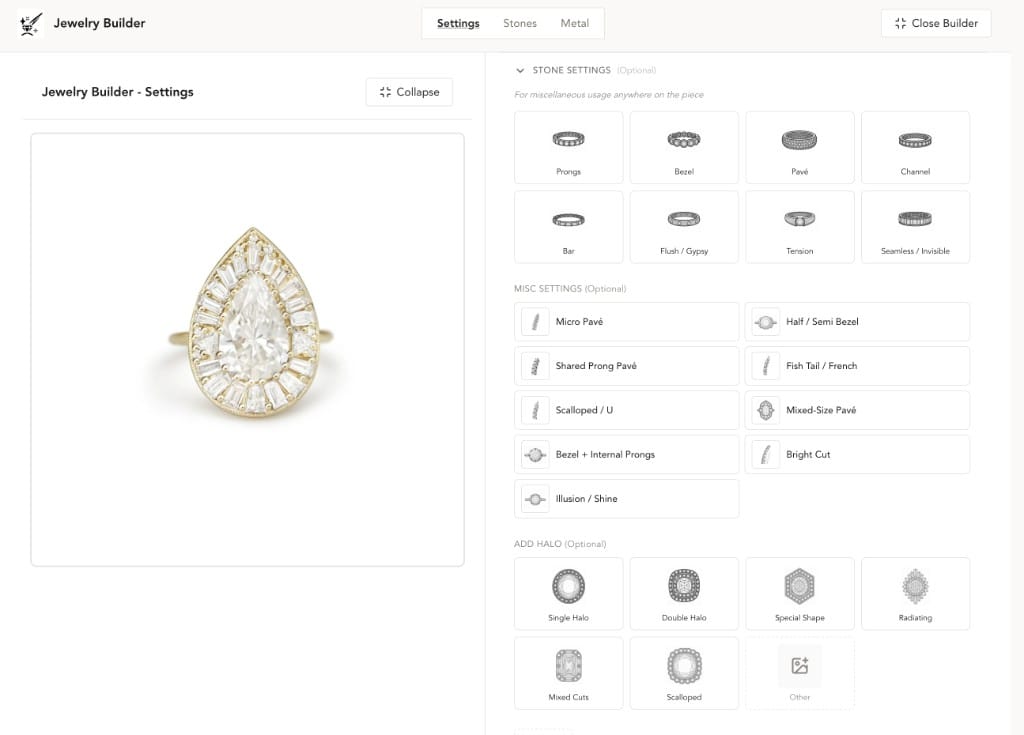
Settings
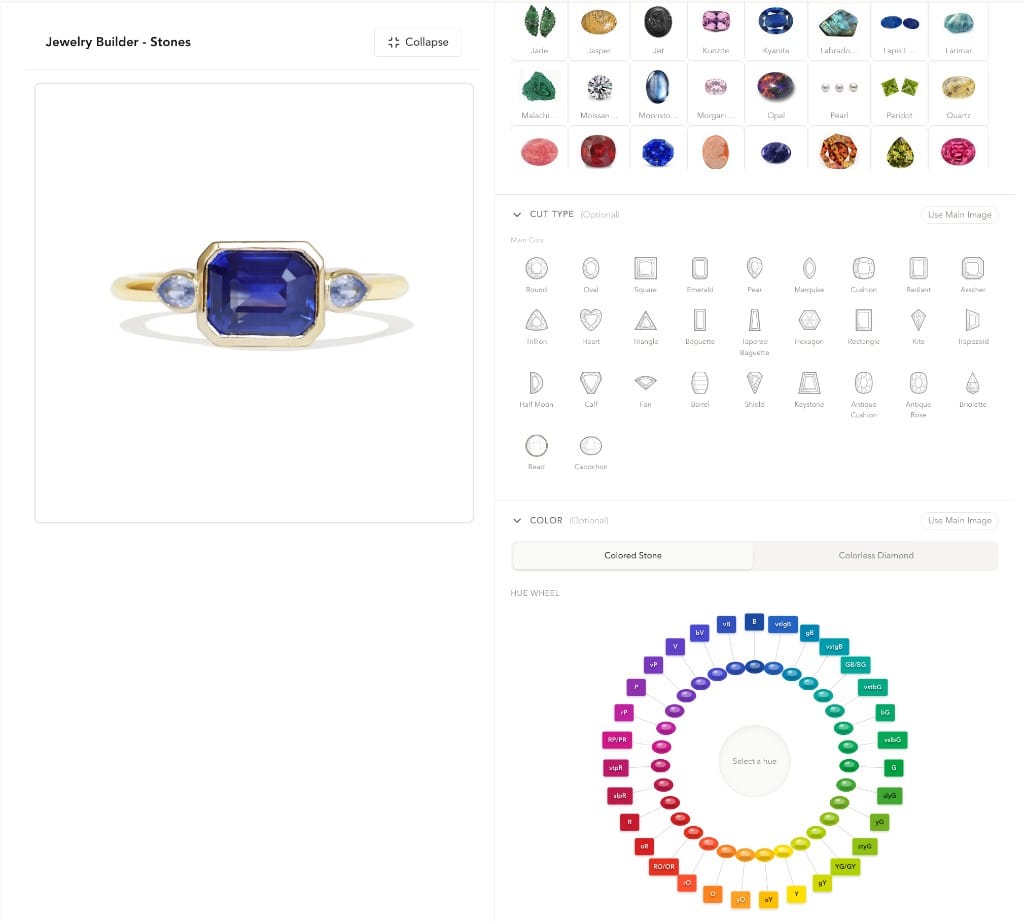
Stones
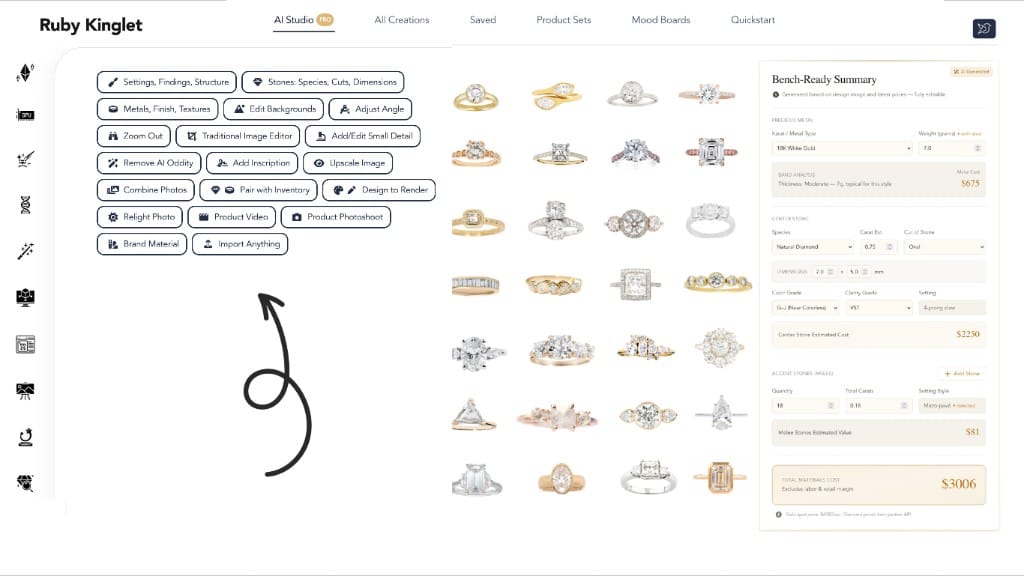
AI Studio
20+ tasks · BOM breakdowns
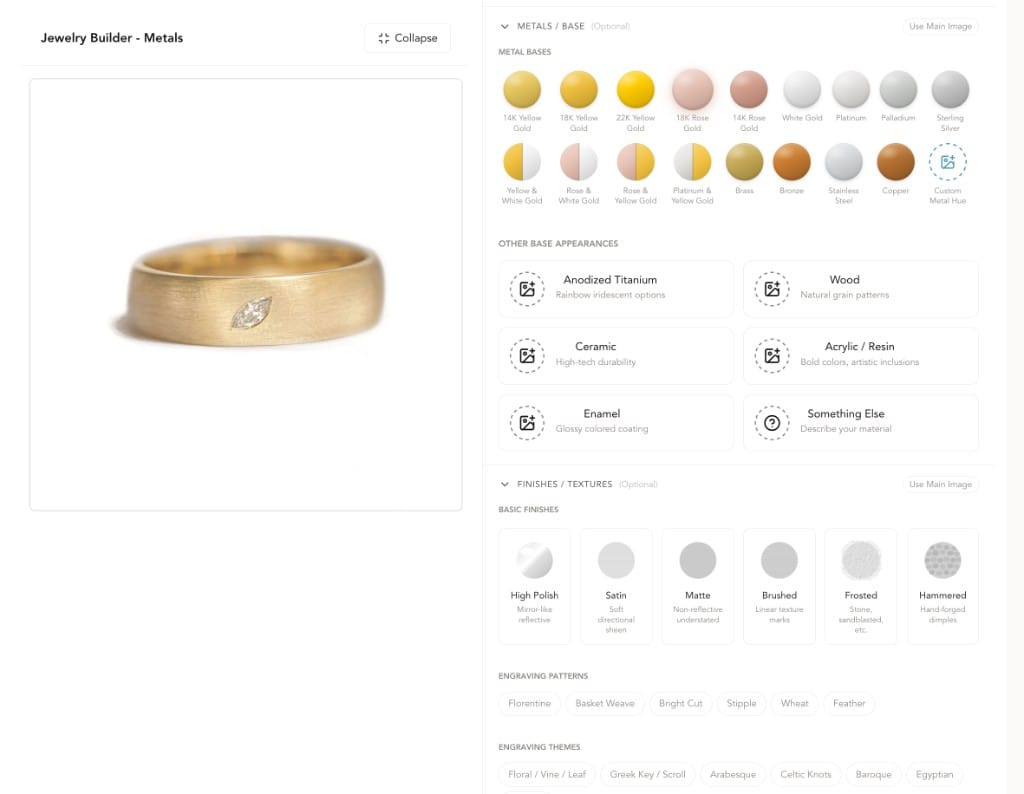
Metals
About the platform
Ruby Kinglet is not a single tool.
Powered by a jewelry-specific AI system built by ML & jewelry software experts, jewelers, and GIA gemologists. Real jeweler knowledge at every step.
The Library
Components · starting templates · community models
Perks
Material on memo · Marketplace partnerships
Jewelry-AI Kernel
The Core
Purpose-built. Powering all four surfaces.
Component primitives library
Jewelry-trained foundation models
Rhino-based parametric engine
Stones · settings · findings DB
ML & jewelry software specialists
The Library
Components · starting templates · community models
Jewelry-AI Kernel
The Core
Purpose-built. Powering all four surfaces.
Component primitives library
Jewelry-trained foundation models
Rhino-based parametric engine
Stones · settings · findings DB
ML & jewelry software specialists
four surfaces
Perks
Material on memo · Marketplace partnerships
Design tools, jewelry-first.
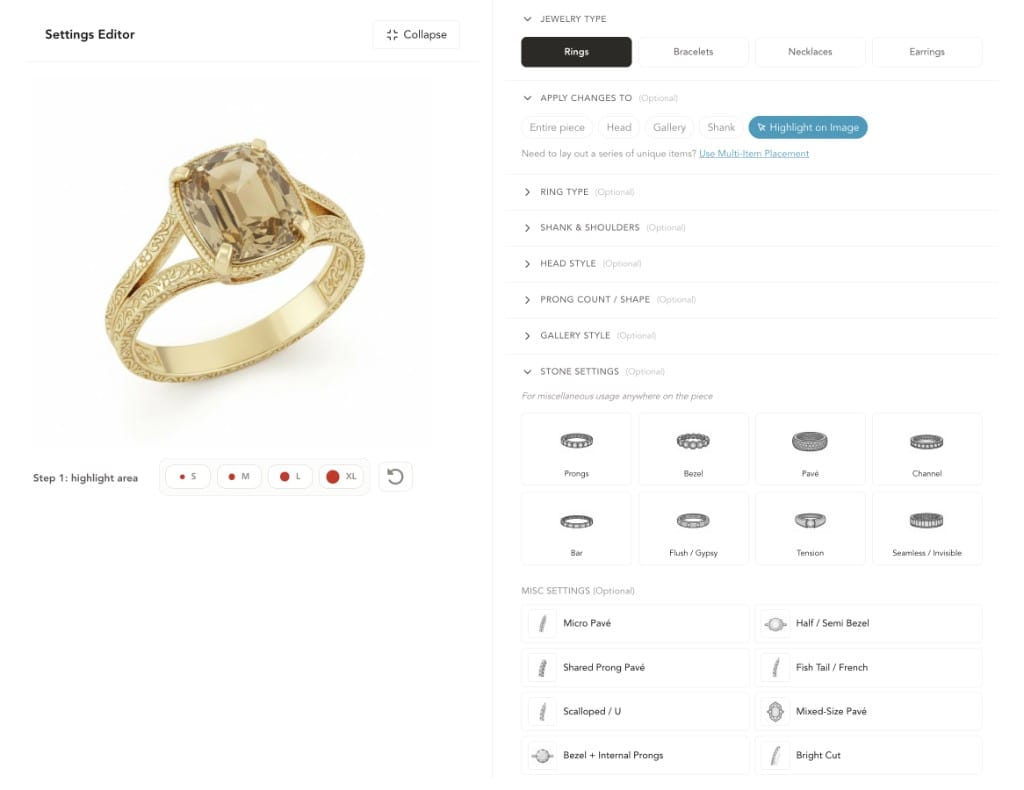
Industry-leading component-based builders and editors, workflows with your own assets first, train AI models in your own style, 6,000+ community templates. Designed around how jewelers actually work — settings, findings, stones, inscriptions all first-class.
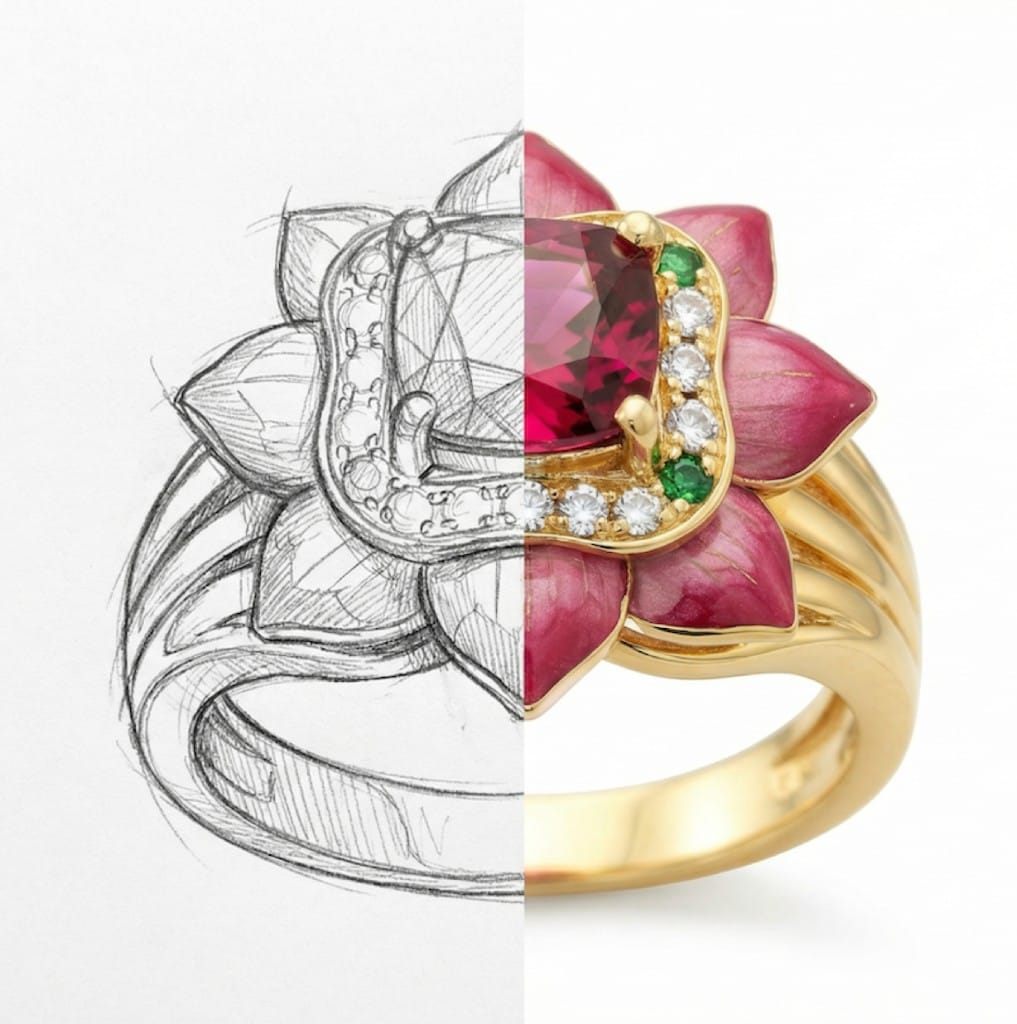
Jewelry is an artform— Express yourself precisely.
Beyond training & generations, all manner of AI-powered and traditional image editing to ensure your exact desired details.
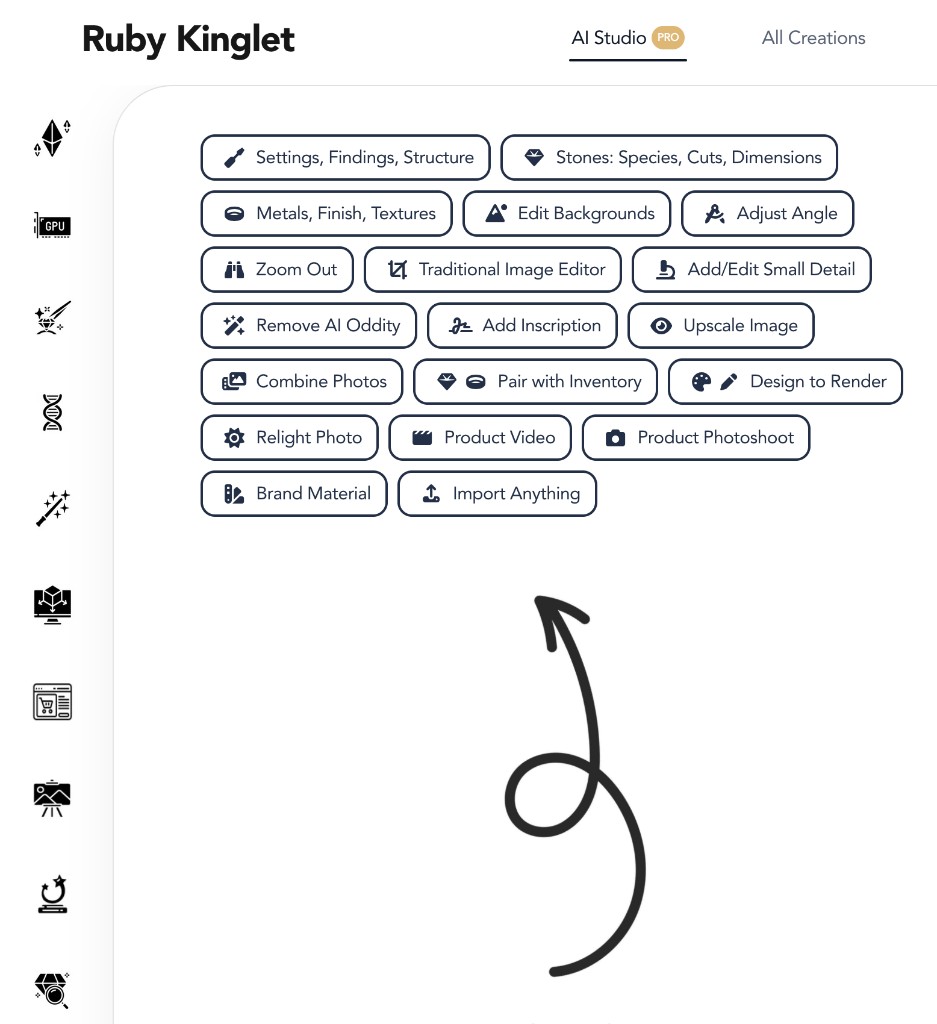
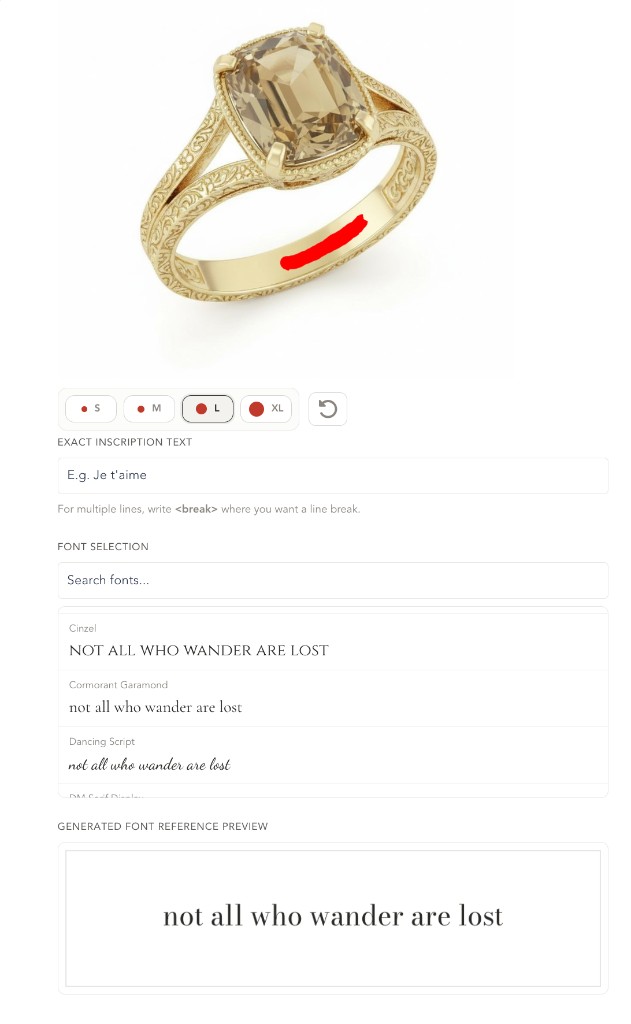
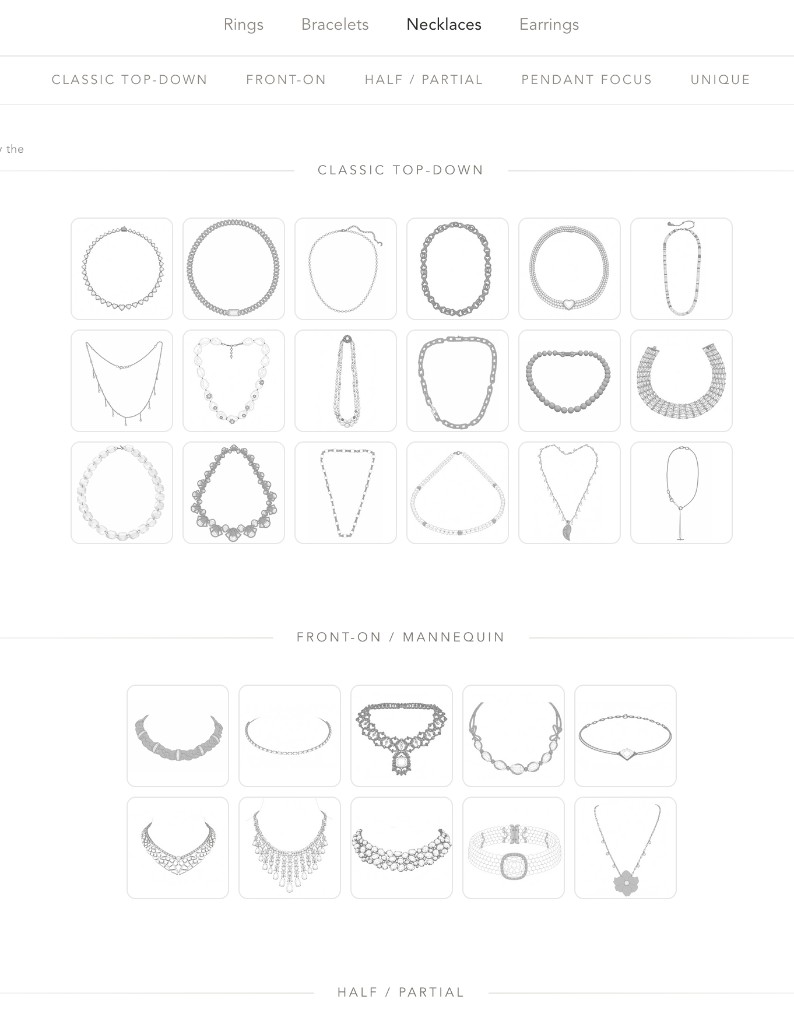
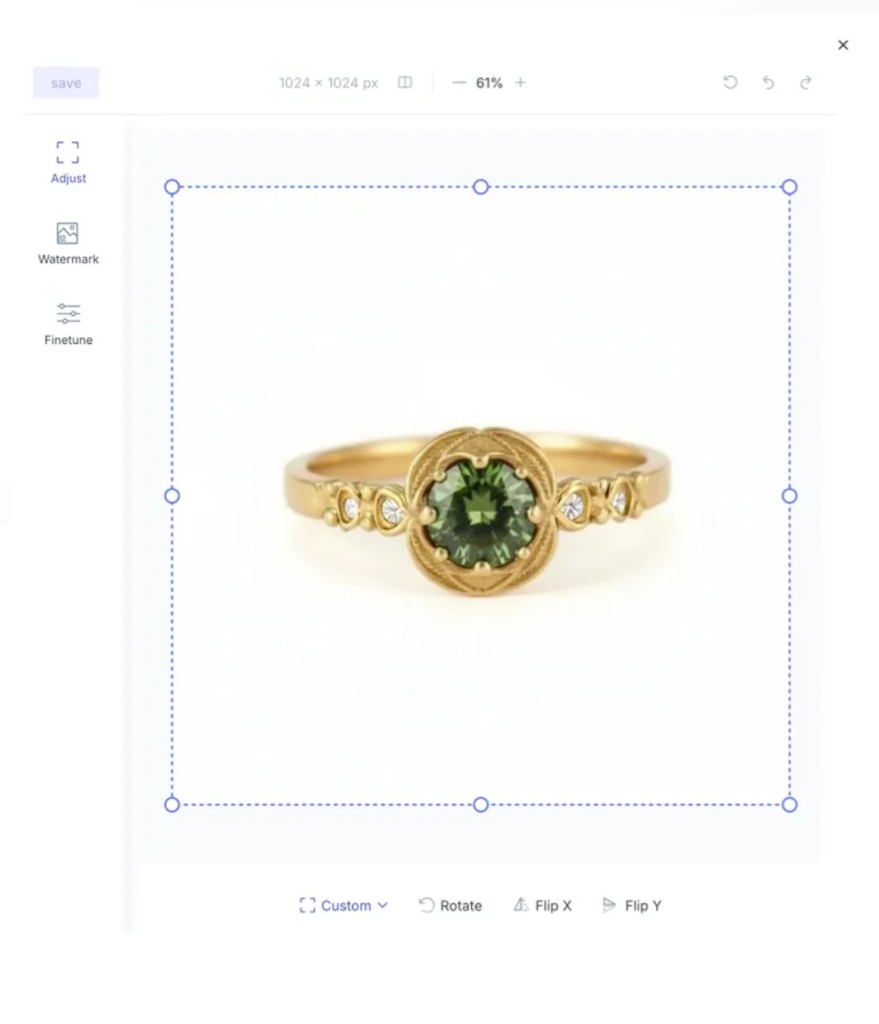
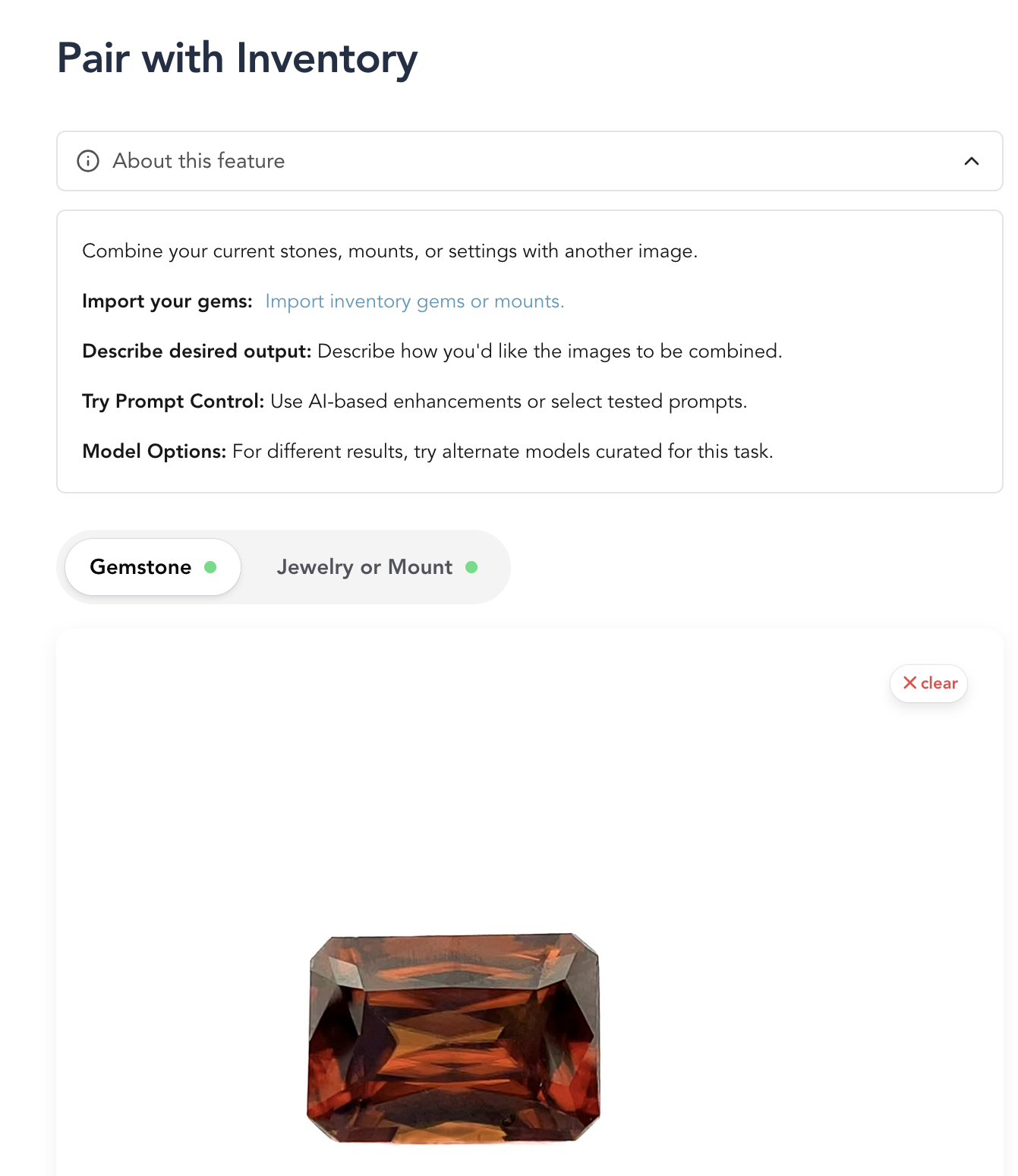
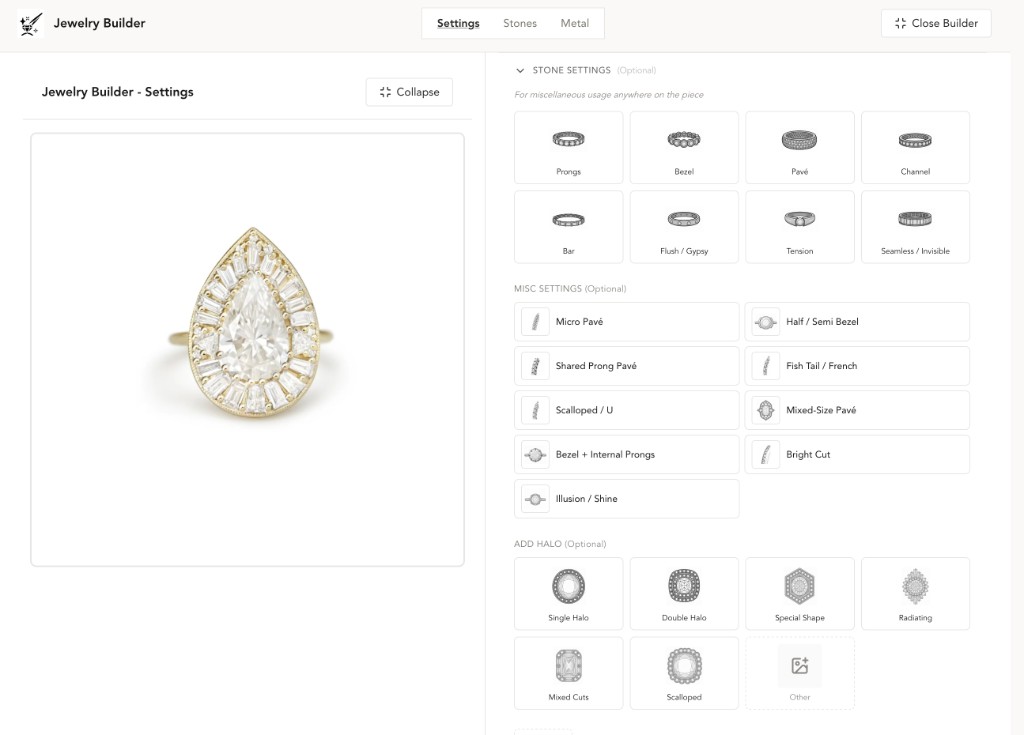
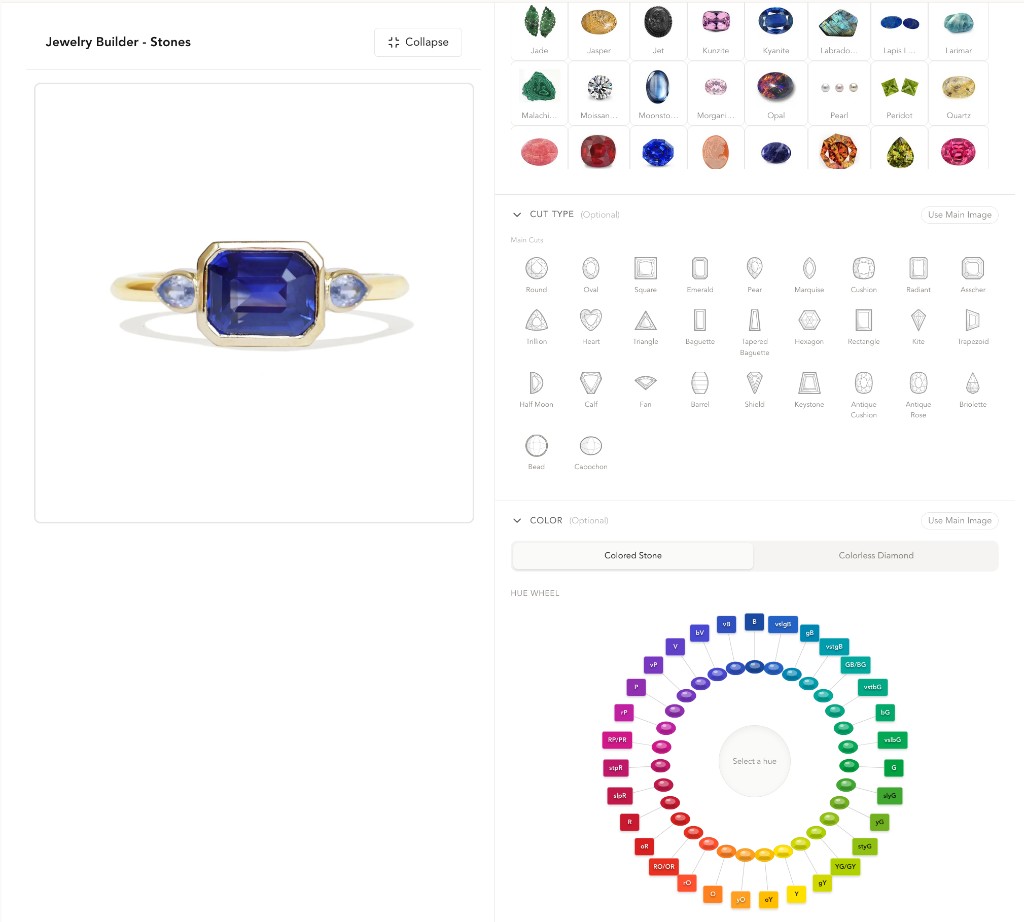
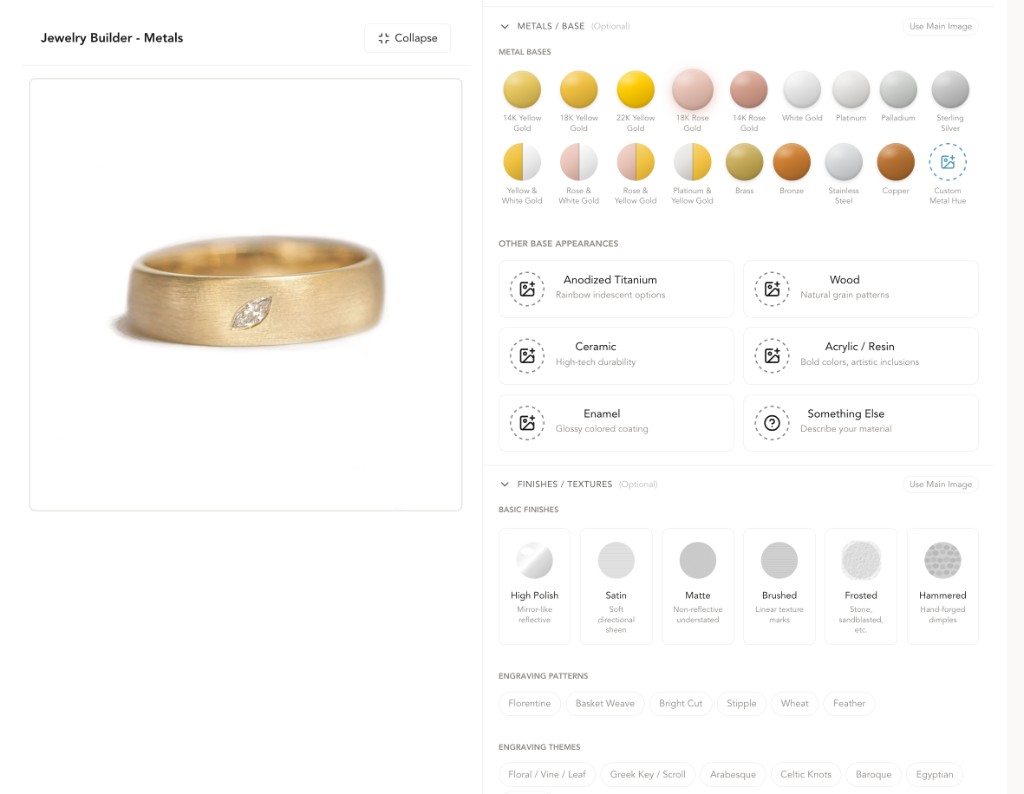
"I feel I can actually have control over all the details that I want."—Emily R., goldsmith
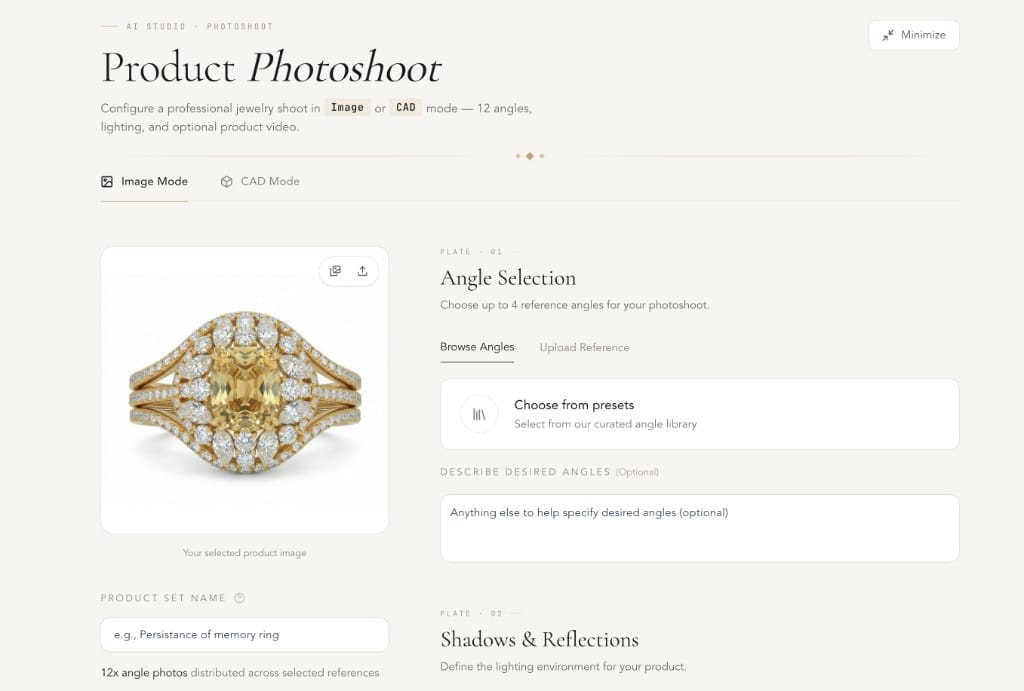
Lightbox replacement. Studio-grade.
Retail-ready imagery and product video without the studio. Brilliance and dispersion, exact angles and lighting, plus stands, hands and wrists with controllable skin tone. CAD goes in as easily as photos.


Phone-friendly · mobile-first features
Snap a piece. Upload from anywhere.
The whole app works on your phone. Capture a piece at the bench, upload it straight into the photo studio, kick off a shoot — then keep shaping it from anywhere.
Camera → Photo Studio
Snap a piece, the upload feeds straight into a new shoot.
Render in the cloud
Kick off jobs from your phone, walk away, come back to results.
Full app surface
AI Studio, builders, product sets — all phone-native, not a cut-down view.
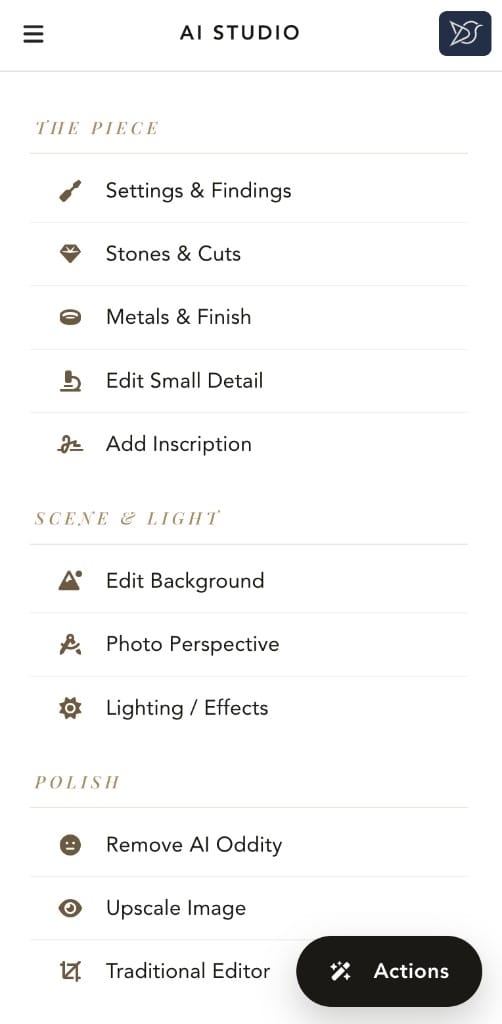
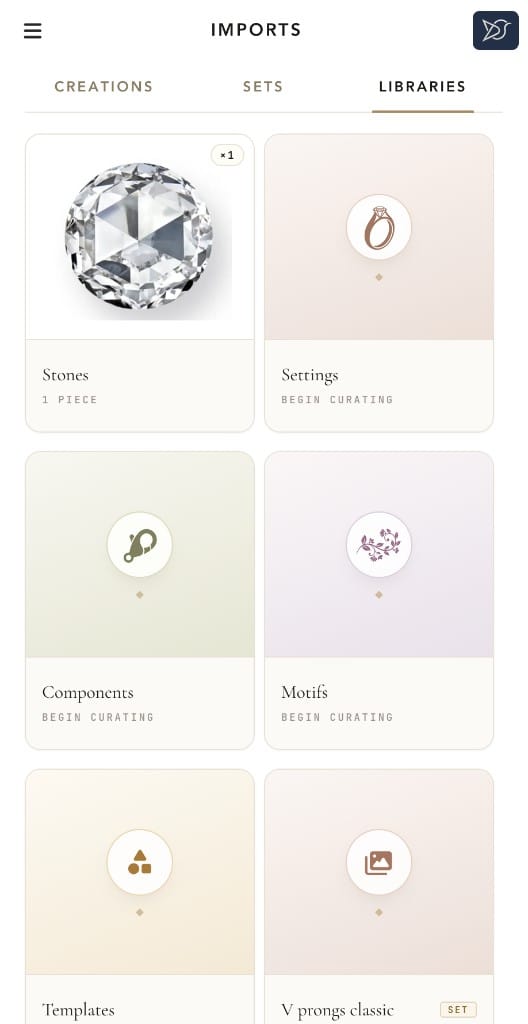
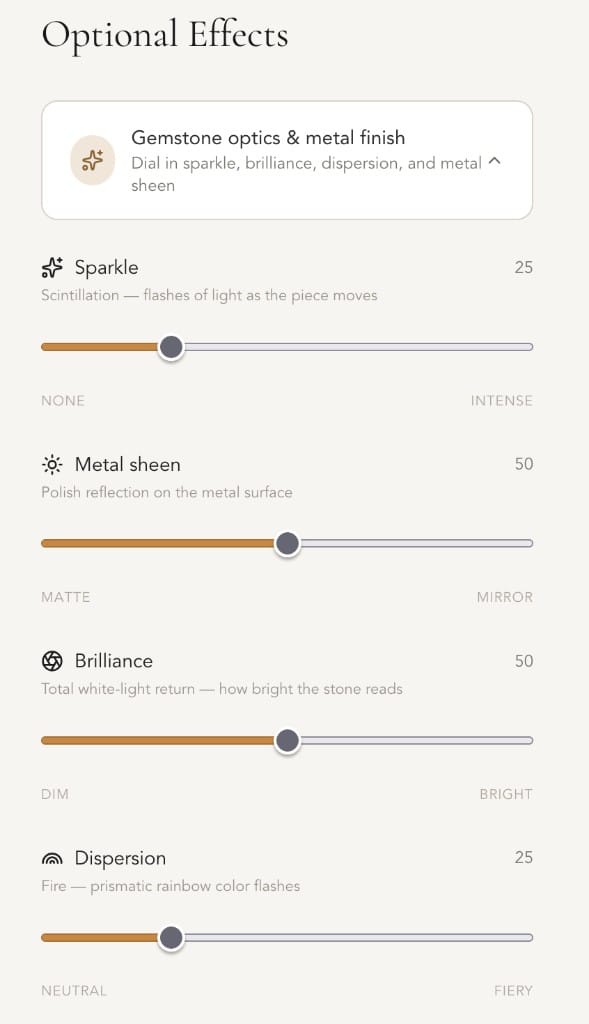
Snap → AI Studio
PILLAR.03 :: CAD Workflows
STL.READY · 3DM.READY · RENDER.SYNC
From design to bench, no handoff.
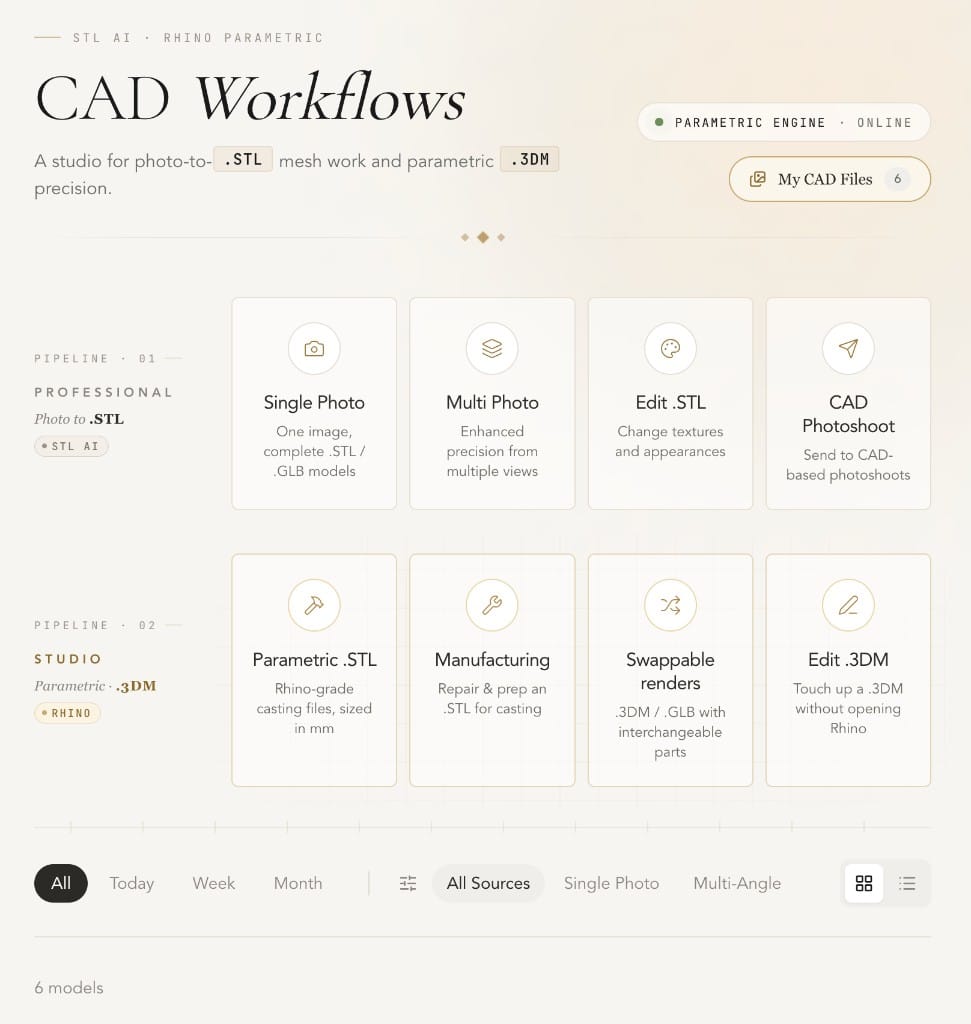
8+ use cases involving STLs and parametric 3DMs, from creation and editing to photoshoots. The bridge between design and manufacture, built around how a CAD jeweler actually works.
MESH · WATERTIGHT
RES · 0.05mm
EXPORT · STL / 3DM
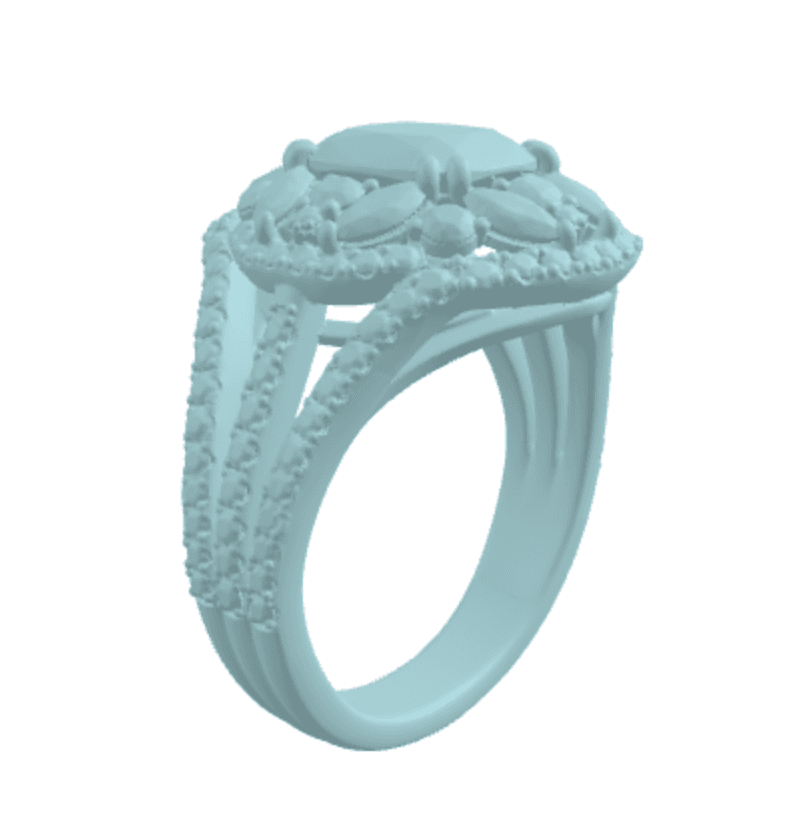
Generate STLs
Printable STL or GLB from one or several photos, free retries.
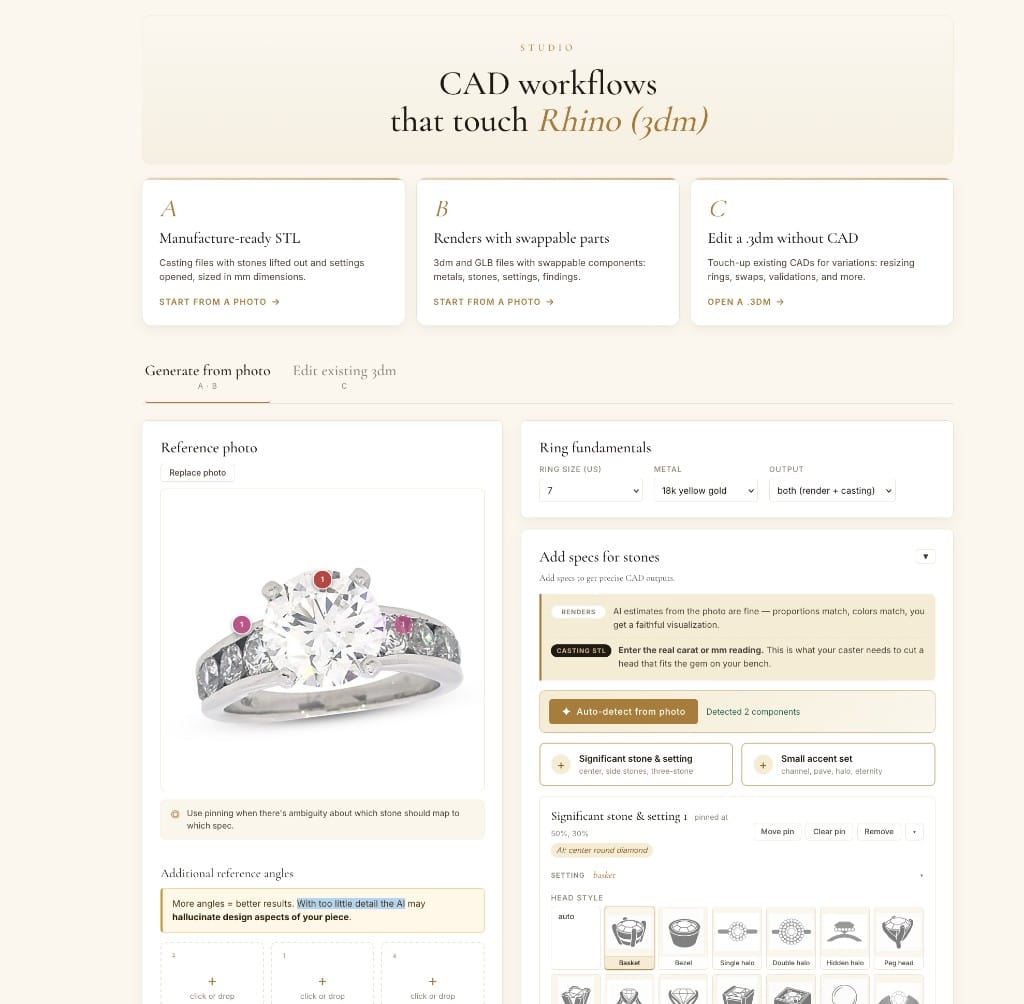
Edit STLs or 3DMs
Edit existing assets for new piece variations. Rhino-backed parametric engine + libraries enables unique workflows.
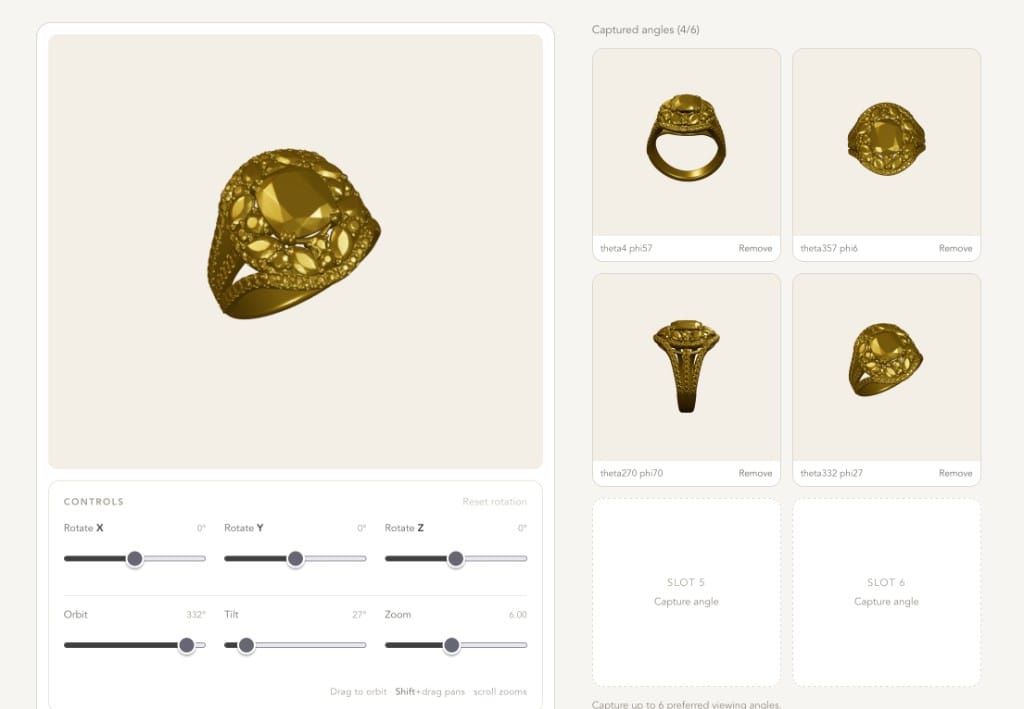
CAD for photoshoots
Use STL or 3DM files for precision, convert 3D models to photorealism.
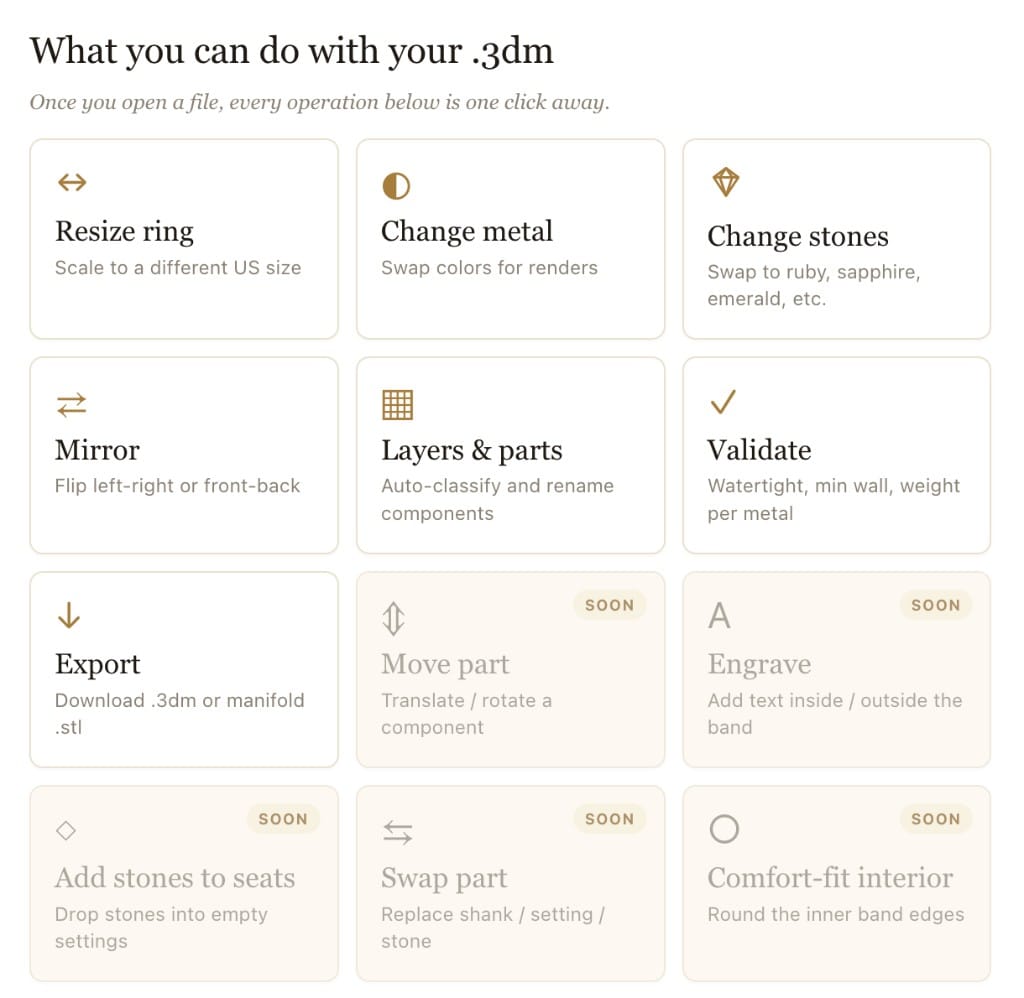
Manufacturing prep
A range of pre-manufacturing tasks, evaluate meshes, check thickness, organize layers, etc. Standard exports: STL · 3DM · OBJ · GLB.
Built for the AI workbench
STL
·
3DM
·
OBJ
·
GLB
Pillar 04 · Ecommerce customizers
Jewelry-specific
A self-managed customizer for jewelry.
Three flavors, all entirely self-managed. A traditional pre-rendered customizer, a full AI customizer that renders the shopper's exact piece, or a basic preview engine you can embed in a customization UI you already have. Configure, brand, launch.
Three flavors · pick one
Pre-rendered
Traditional customizer
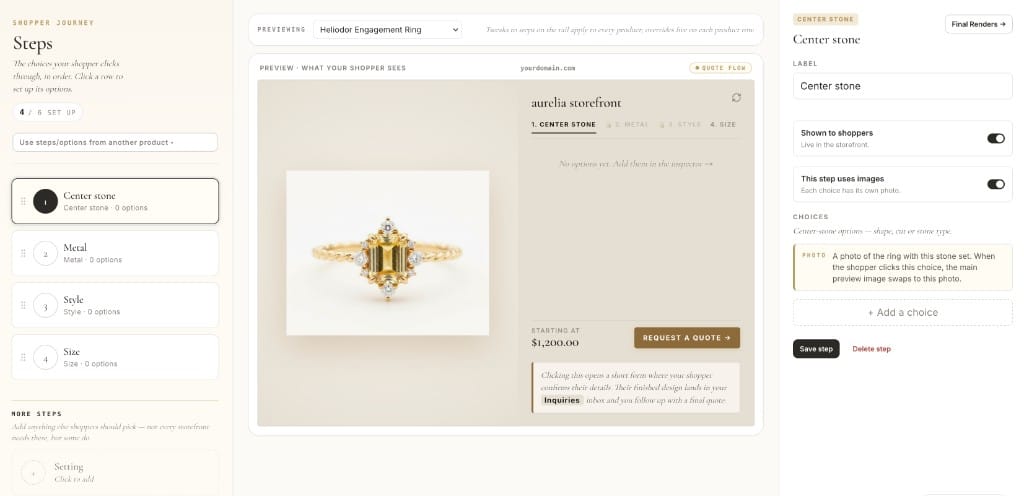
Steps · preview · inspector
Pre-rendered images, swapped on click. Fast to launch, familiar to shoppers, zero AI required.
AI rendered
AI customizer
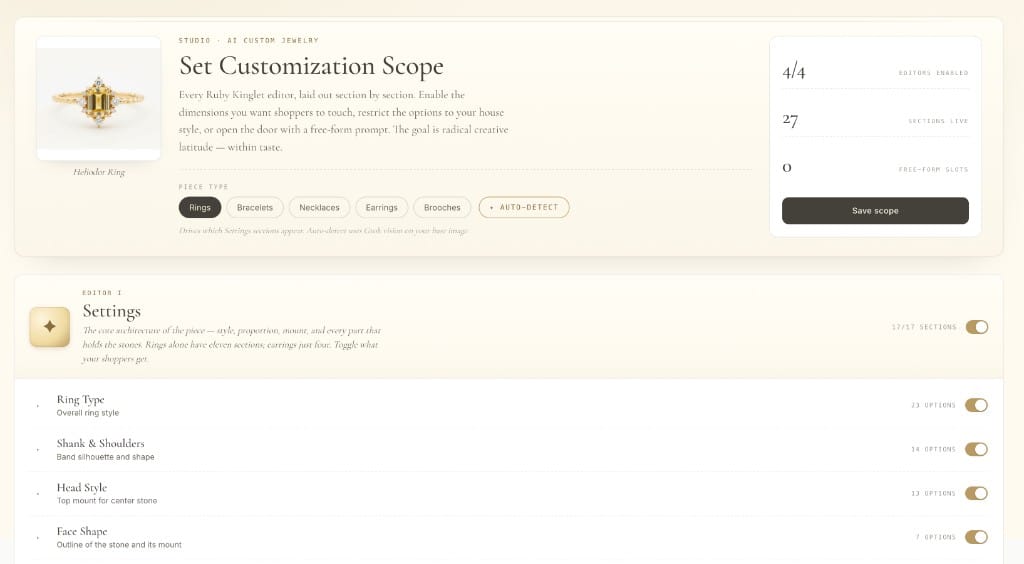
Set scope · 4 editors · 27 sections
Every choice generates a real render of that exact piece. The shopper sees their ring, not a stock photo.
Drop-in
Preview engine
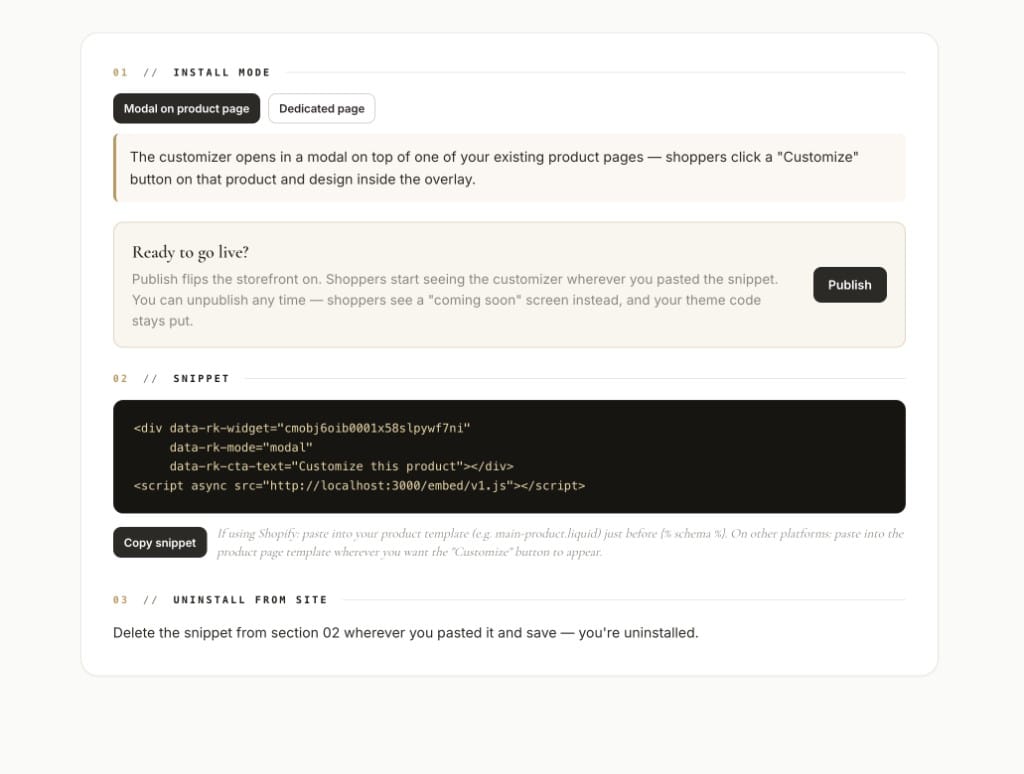
Install snippet · publish · live
Already have a customization UI on your store? Embed our preview engine behind it so shoppers see a live render of their exact piece.
Drops into
Shopify
Webflow
Wix
WooCommerce
Squarespace
BigCommerce
End to end · self-managed
Configure, style, publish. Test it out immediately. No quotes, no markup.
Choose your customization approach, connect to Shopify if on Shopify, configure and add assets as needed, and go live.

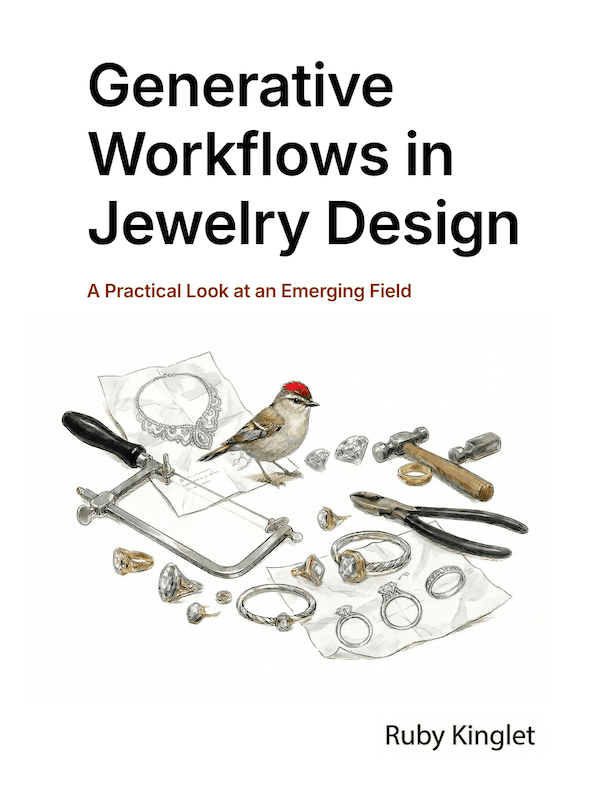
The playbook · free
From Demi-Fine to High Jewelry
A working guide to generative jewelry workflows — across materials, techniques, and aesthetics. Organic or dainty, gemmy or statement, jade or enamel, vintage-inspired or modern heirlooms.
Read the playbook
The kingdom · community contributions
A celebration of indie jewelry.
Build your own templates and explore a wide range of community templates as starting points for complex work. Play around with community models which span a range of styles.
Community templates
Reusable & renderable.
Start from a fully-modeled template. The structural work is done — edit and refine until it's yours.
TEMPLATES
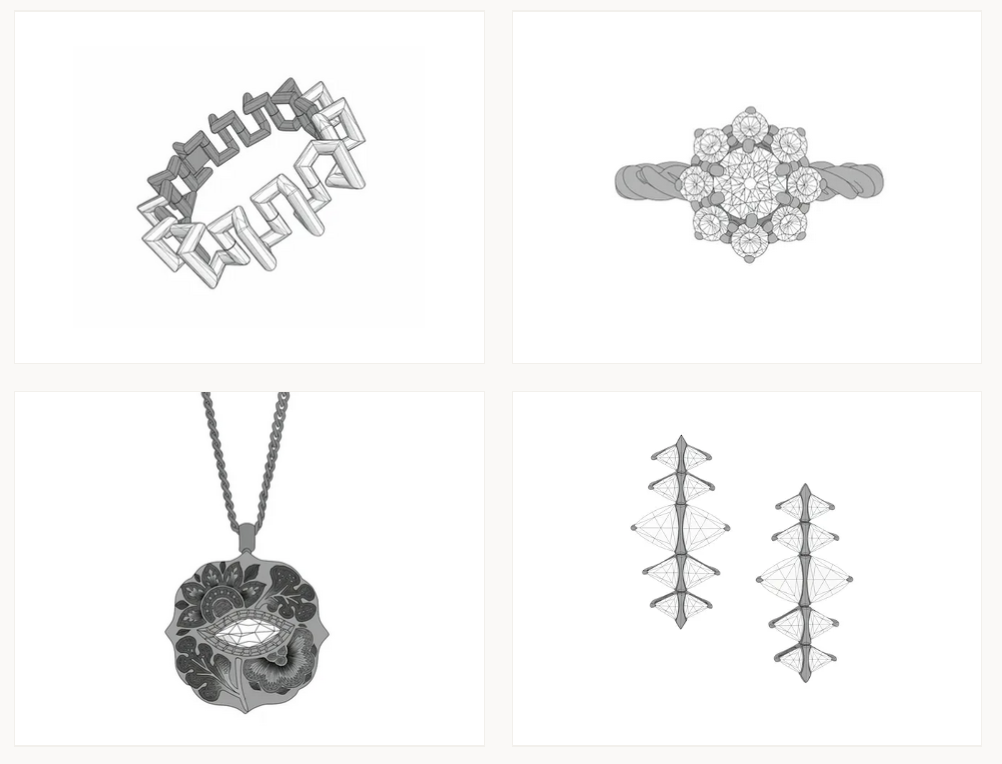
TEMPLATE BUILDER
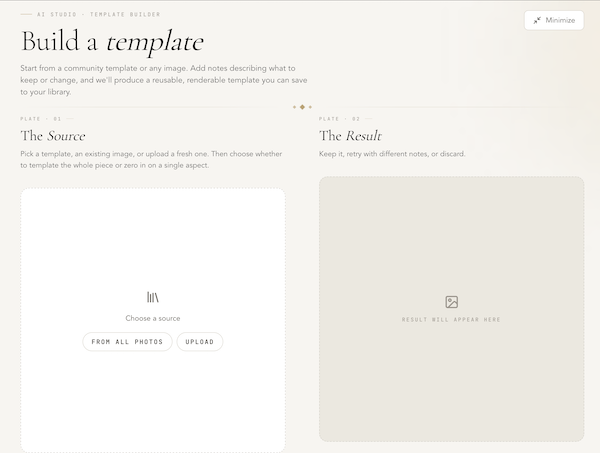
6,000+ community templates
Browse
Pretrained community models
Get a bit of inspiration
Beyond training your own styles, play with pretrained community models across styles like Art Deco, California casual, ancient motifs, and many more.
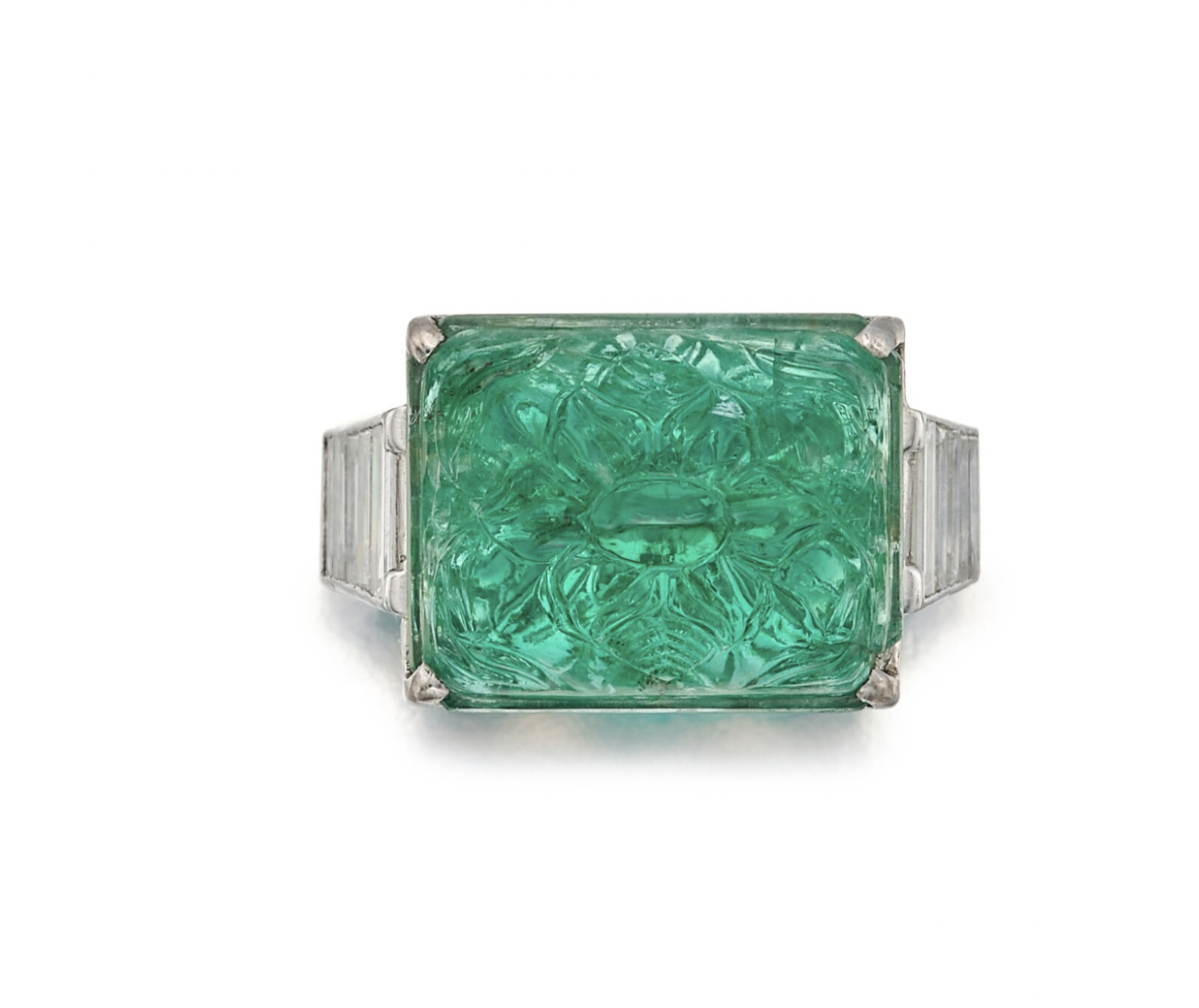
Art Deco
PRETRAINED
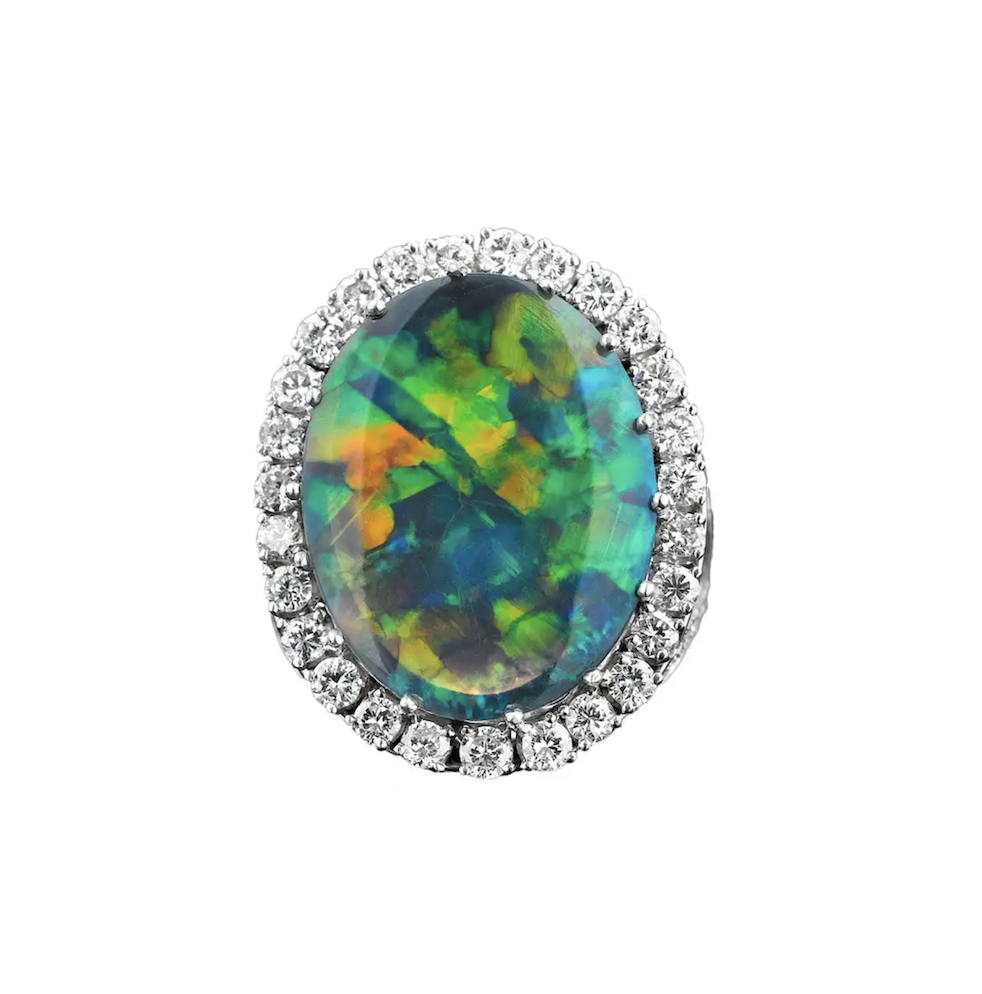
California Casual
PRETRAINED
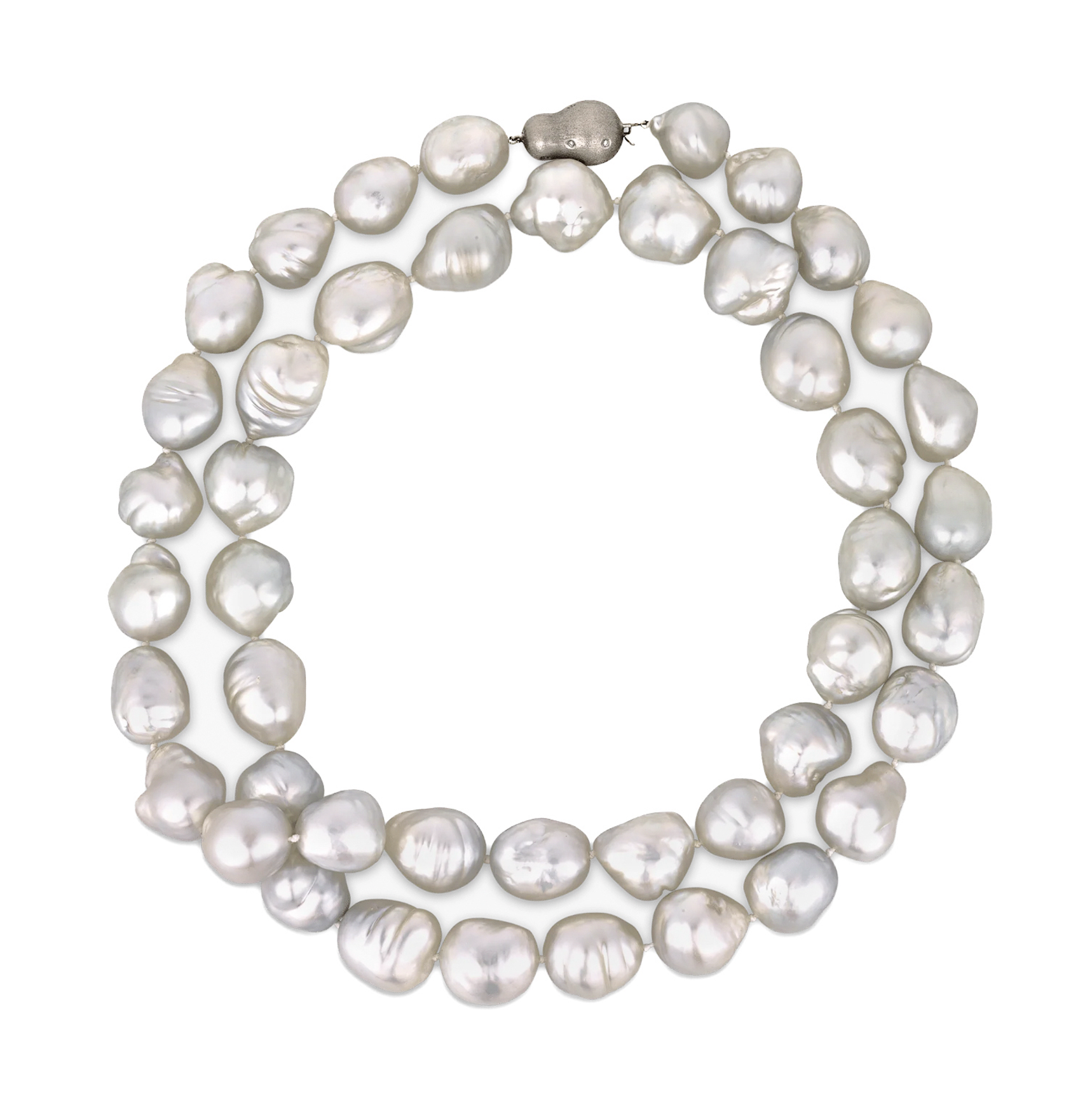
Freshwater Pearls
PRETRAINED
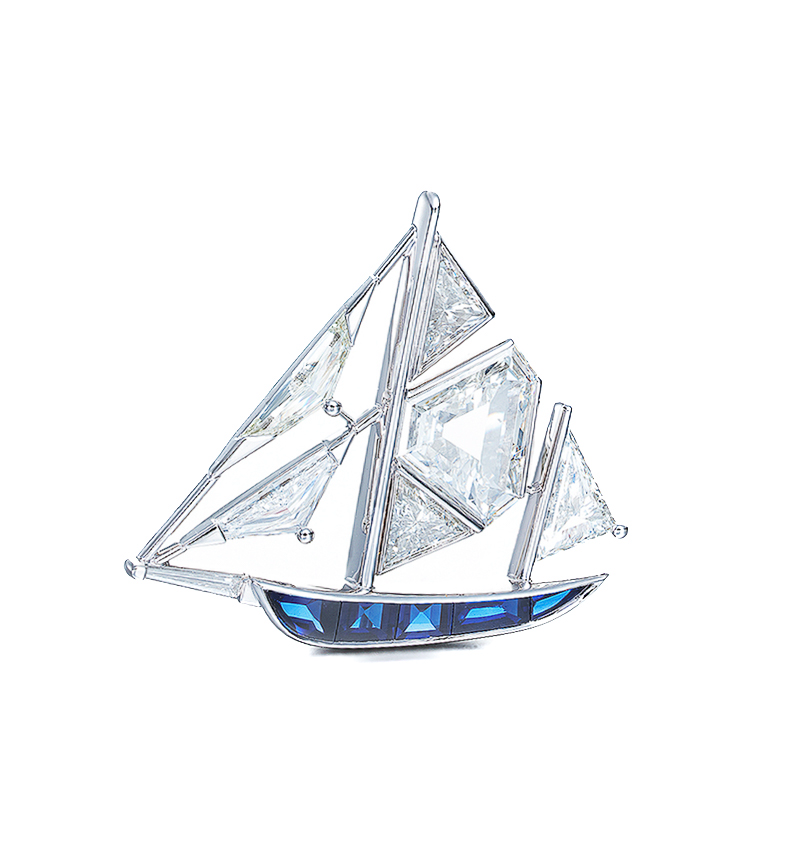
Vintage Revival
PRETRAINED
Did you know? Earn on usage by publishing a community model.